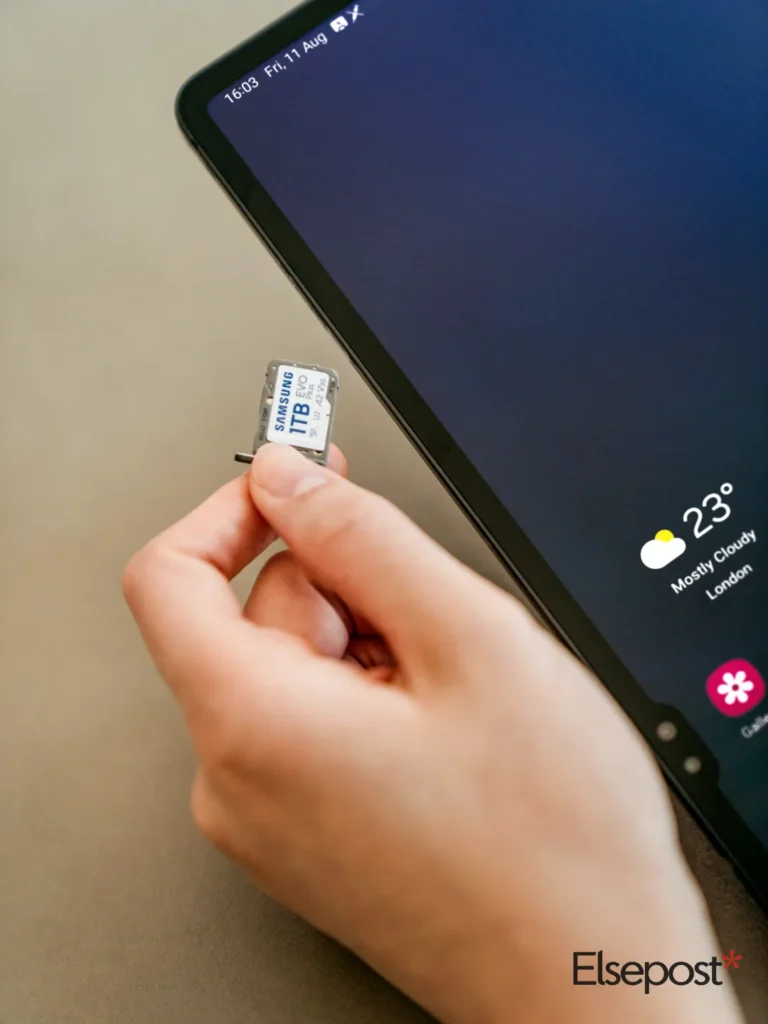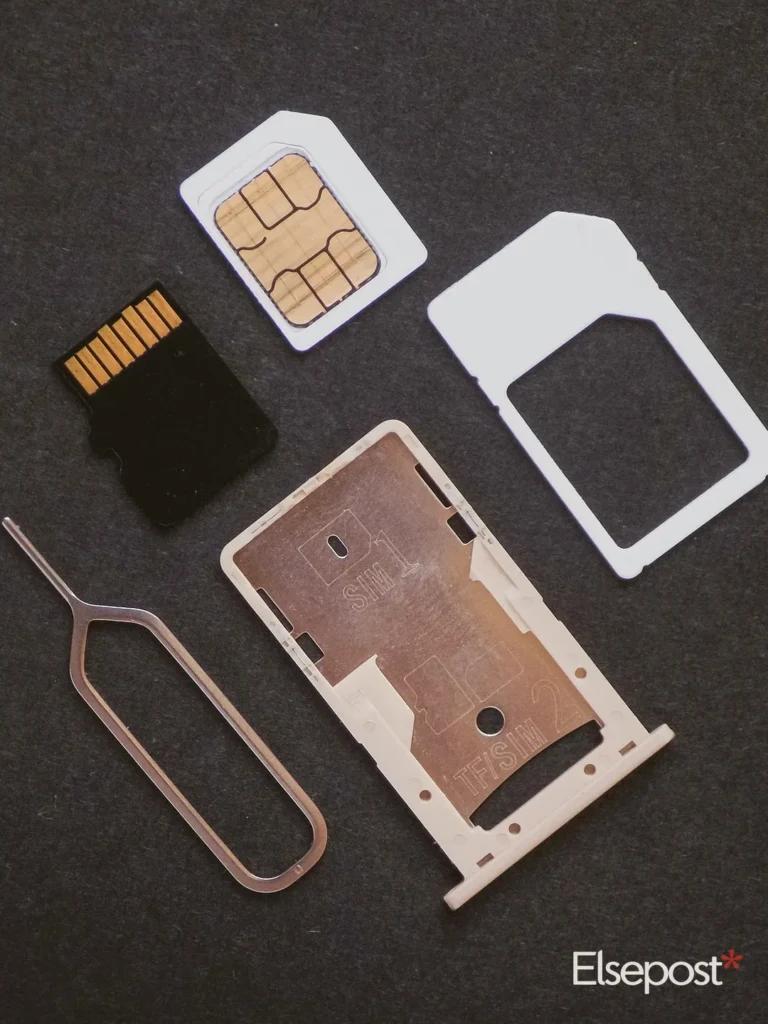
You can activate eSIM in India on Jio, Airtel and Vi without visiting a store, if your phone supports it. The process takes a few steps and a couple of hours of waiting. So, this guide covers the order of steps, what to keep ready, and the mistakes that can leave you without a network.
Quick answer
- Check that your phone supports eSIM
- Request the eSIM from your operator: app, store, or SMS to 121 (Airtel)
- Receive a QR code on your registered email
- Scan it under Settings, then Mobile network, then Add eSIM
- Wait for activation; never delete the eSIM profile
Before you activate eSIM in India
First, confirm that your phone model supports eSIM. Recent iPhones, Google Pixel phones and Samsung Galaxy S models do, as India TV’s guide notes. Next, keep your current SIM in the phone, because it stays active while the eSIM request is pending.
Also make sure your registered email is correct. The QR code is sent there, and an old address will stall the request.
Step 1: Request the eSIM from your operator
Also, each operator works a little differently. For Jio, use the MyJio app or visit a Jio store. For Vi, apply through the official app or an SMS, and confirm the right number first.
Also, for Airtel, send an SMS to 121 in the format “eSIM” followed by your registered email ID. Airtel’s help page says 121 replies to confirm, and you reply “1”. You then get a consent call. If you miss that call and do not consent, the request is cancelled.
Also, BSNL offers eSIM only in some circles and asks for KYC with Aadhaar at a customer service centre.
Step 2: Scan the QR code
Also, once you consent, a QR code arrives on your email. Open your phone’s settings and find the mobile network section. So, it may be called Mobile Networks, Cellular or SIM Services.
Tap Add eSIM or Download eSIM, choose Use QR Code, and scan it from another screen. Scan it soon after it arrives.
Step 3: Wait for activation
Also, Airtel says activation takes about 2 hours after you scan. Other guides mention up to 4 hours. During this time, keep the physical SIM in place and avoid restarting the process.
Also, after activation, your old physical SIM stops giving network service. India TV’s guide adds that SMS may not work for the first 24 hours after a SIM swap, so plan bank OTPs accordingly.
Mistakes to avoid
- Do not delete the eSIM profile. Doing so removes it, and you lose network until a new one is issued.
- Do not expect two numbers from one eSIM. Only one operator profile is active on it at a time, per Airtel’s page.
- Do not skip the consent call. A missed call cancels the request.
Also, if the QR email never arrives, Airtel prepaid users can SMS NESIM to 52212 in southern states or 51619 elsewhere. Postpaid users can SMS NOSIM to 121. So, other operators have their own support steps.
It is also wise to check how many numbers are in your name. Our guide to checking mobile connections on TAFCOP shows how.
Using an eSIM alongside a physical SIM
Also, many people keep one number on a physical SIM and one on the eSIM. That works well for a work and personal split. However, Airtel’s page notes that one eSIM can hold only one active operator profile at a time, so you cannot run two numbers on it.
The same steps also work if you want to convert a physical SIM to an eSIM, or move from one eSIM to another. For example, if you change phones, you request a fresh QR code instead of moving a card. Therefore, plan the switch for a time when you do not need urgent OTPs.
A quick checklist before you start
First, charge the phone and connect to Wi-Fi, because the QR scan needs internet. Next, keep your registered email open on another screen or device. Then keep your phone nearby for the consent call. Finally, note your operator’s helpline in case the QR code does not arrive.
FAQ
How long does it take to activate eSIM in India?
Airtel says about 2 hours after you scan the QR code. Some guides say up to 4 hours.
Can I keep my physical SIM after switching to eSIM?
The physical SIM stops working once the eSIM for that number is active. Before that, it stays active.
What if I lose my phone with an eSIM?
Report it to your operator, then use the steps in our CEIR guide to block a lost phone. Airtel’s own steps are on its eSIM help page.