Making a Diwali card with ChatGPT takes about two minutes, and the result can carry your family’s name, your own photo and a message no one else is forwarding today. In other words, it is the opposite of the same glittering diya image that lands in every WhatsApp group. Here is how to do it step by step, along with 10 ready to copy prompts and fixes for the most common problems.
Quick answer
- Open ChatGPT on the web or app and start a new chat.
- Describe the card: style, colours, shape and the exact words you want on it.
- Optionally, upload a family photo and ask ChatGPT to turn it into a card.
- Check the spelling, ask for fixes in plain words, then download and share.
- Free accounts can create images too, but with a daily limit.
What you need before you start
First, a ChatGPT account. The free plan works, although OpenAI caps how many images free users can make in a day and doesn’t publish an exact number. So it pays to write a good prompt first rather than generating dozens of attempts.
Second, decide three things: who the card is for, where you will share it, and the exact words. For example, “Happy Diwali from the Sharma family” for a WhatsApp status. If you need ideas for the message, our list of 50 Happy Diwali wishes for family and friends has short lines that fit neatly on a card.
How to make a Diwali card with ChatGPT: step by step
Step 1: Open ChatGPT and start a new chat
Go to chatgpt.com or open the ChatGPT app on your phone, then sign in. Start a fresh chat, because older conversations can nudge the style of a new image.
Step 2: Describe the card in one clear prompt
A good prompt covers five things: the shape, the scene, the colours, the mood and the exact text. For instance:
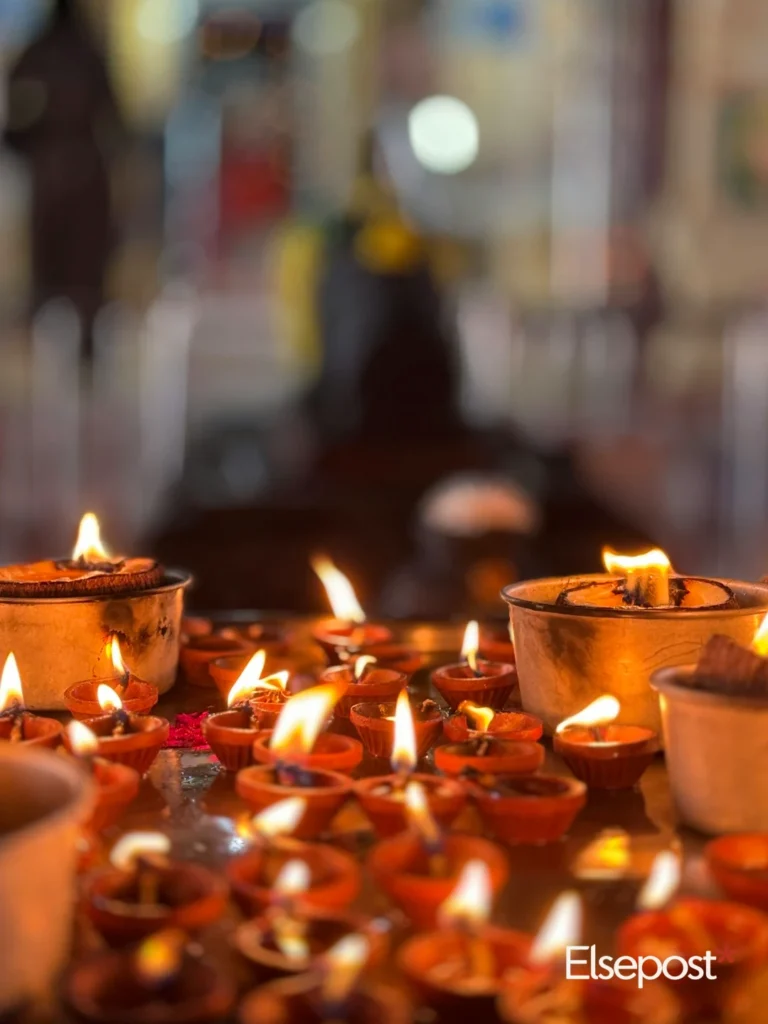
Create a portrait Diwali greeting card in a 9:16 shape. Show glowing clay diyas on a marigold rangoli with soft bokeh lights behind. Use deep maroon and warm gold. At the top, write “Happy Diwali” in elegant lettering. At the bottom, write “With love, the Sharma family” in a smaller, clean font. Keep all text sharp and easy to read.
Mention the shape in your prompt. A tall 9:16 card suits WhatsApp status and Instagram stories, while a square 1:1 card works better as a normal post or a chat image.
Step 3: Use your own photo (optional)
Alternatively, tap the plus or attachment button, upload a family photo and ask ChatGPT to build the card around it:
Turn this photo into a festive Diwali card. Keep our faces natural and unchanged. Add warm string lights and diyas around us, and write “Happy Diwali from Riya and Arjun” at the bottom.
Only use photos of people who are happy to be on the card. Also, think twice before sharing children’s photos widely.
Step 4: Fix the details in plain words
Then zoom in and check every letter, since AI images still misspell names now and then. If something is off, simply reply with what to change, such as “Fix the spelling of Sharma” or “Make the text bigger and move it higher”. On the web, you can also click the image and select one area to change only that part.
Step 5: Download and share
Finally, tap or click the image and choose download. On a phone, you can share it straight to WhatsApp or Instagram from there.
10 prompts for a Diwali card with ChatGPT
Replace the names in brackets with your own. Each one works as a starting point, so feel free to change the colours or wording.
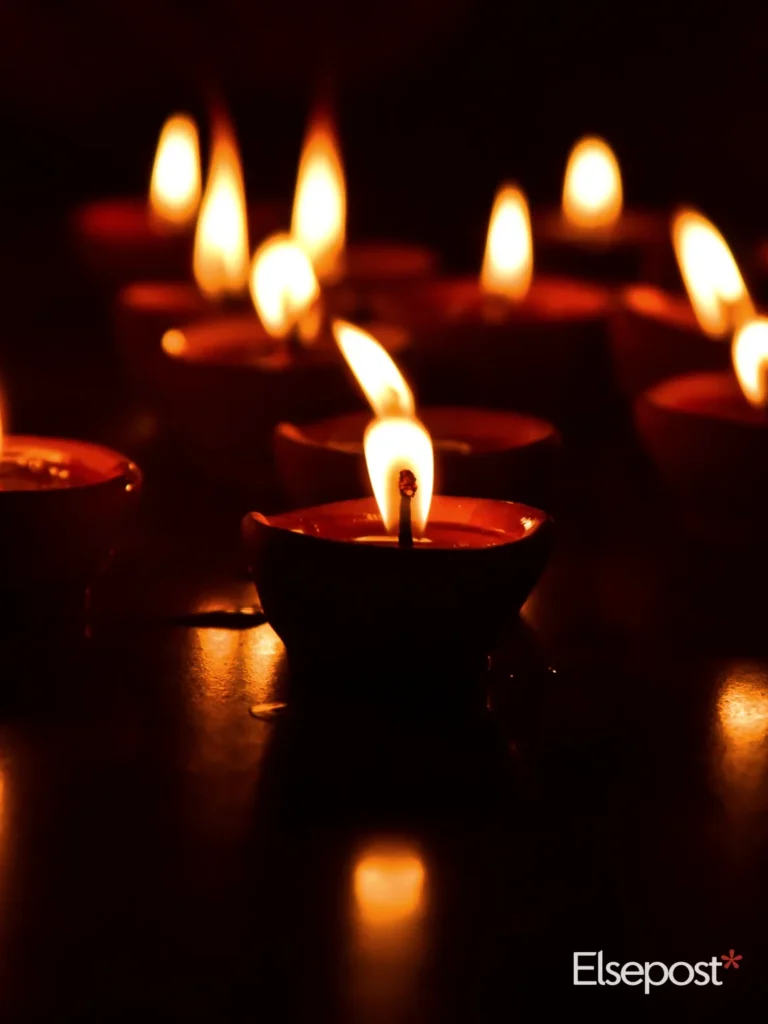
- Classic diya card: “A portrait Diwali card with rows of glowing clay diyas on a dark background, gold accents, and the words Happy Diwali from [Name] in elegant lettering.”
- Minimal and modern: “A single glowing diya on a deep navy background with lots of empty space and the words Shubh Deepavali in thin gold letters.”
- Rangoli from above: “A top down photo style image of a colourful rangoli with diyas around the edge, and Happy Diwali written in the centre in white.”
- Family photo card: “Turn this photo into a Diwali card with warm fairy lights, marigold garlands at the top and the words Happy Diwali from the [Surname] family.”
- For grandparents: “A traditional Diwali card with brass lamps, marigolds and Lakshmi motifs, with Shubh Deepavali in large, easy to read Hindi lettering.”
- Office friendly: “A clean, modern Diwali card with geometric rangoli patterns in teal and gold, and the text Happy Diwali from Team [Company].”
- For a partner: “A soft, warm Diwali card showing two diyas side by side on a windowsill at dusk, with the words Happy Diwali, my love in a handwritten style.”
- Fun cartoon: “A cute cartoon cat sitting among sweets and diyas, with the words Happy Diwali, have a sweet one in bold playful letters.”
- Watercolour: “A watercolour painting of a lit diya and lotus flowers in pink and gold, with Happy Diwali written in a brush script at the bottom.”
- Night sky: “An Indian rooftop at night with lanterns and a sky full of fireworks, and the words Happy Diwali 2026 in glowing gold at the top.”
Common problems and how to fix them
The text is misspelled or blurry
Put the exact words in quotes and keep them short. Then, if a name still comes out wrong, ask for a version with no text at all and add your message in your phone’s photo editor or a free app like Canva.
Faces in my photo look different
Add “keep faces exactly as in the photo” to your prompt, and ask for changes only to the background and decorations. Also, a clear, well lit photo gives better results than a dark or blurry one.
I hit the image limit
Free accounts have a daily cap. So wait for it to reset, or try the same prompt in Google Gemini, which also creates images for free. Next time, write one detailed prompt instead of many short ones.
The card looks too busy
Ask for “more empty space”, “fewer elements” or “a simpler background”. Usually, one strong symbol like a single diya makes a cleaner card than a crowded scene.
Why a custom card is worth two minutes
Most Diwali images get a quick thumbs up and disappear. By contrast, a card with someone’s name, or a photo of the two of you, tends to get saved and shown around. And because it only takes a couple of minutes, it is one of the easiest ways to use AI for something genuinely personal.
Meanwhile, if you are still picking presents, see our last minute Diwali gifts. And to get more out of ChatGPT safely, read what ChatGPT Lockdown Mode blocks.
FAQ
Can I make a Diwali card with ChatGPT for free?
Yes. Free ChatGPT accounts can create images, with a daily limit that OpenAI doesn’t publish. Paid plans allow more.
How do I get a Diwali image in the right size for WhatsApp status?
Ask for a tall 9:16 portrait image in your prompt. For a regular chat or Instagram post, ask for a square 1:1 image.
Can ChatGPT add my family photo to a Diwali card?
Yes. Upload the photo in the chat and ask ChatGPT to turn it into a Diwali card, keeping faces unchanged.
Why does ChatGPT spell names wrong on cards?
AI image tools still struggle with text. So keep the wording short, put it in quotes, and ask for a fix in the same chat if needed.