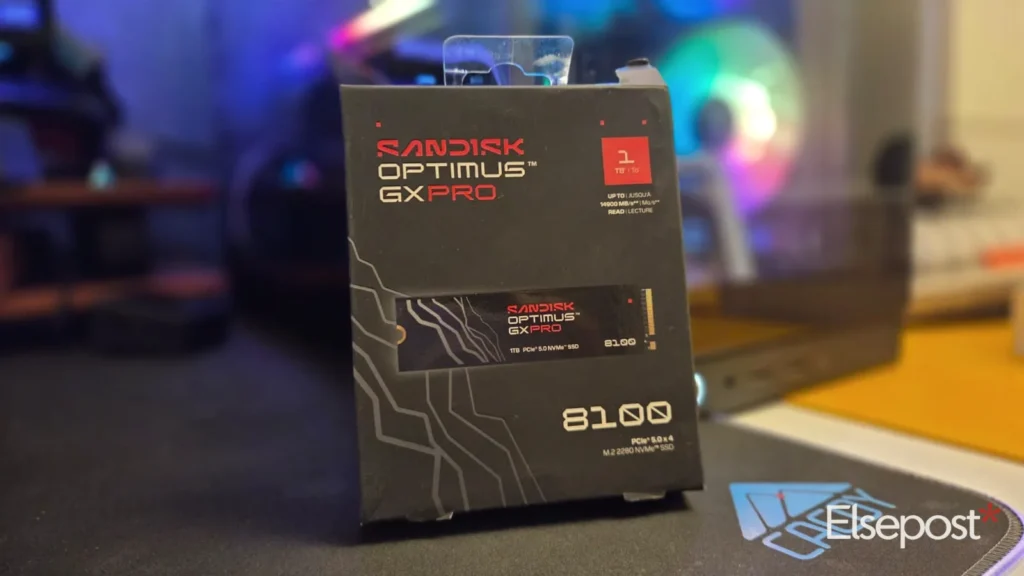
Every PC gamer knows the wait. A new game drops, the download bar crawls, and the excitement fades before the install finishes. Faster storage promises to shorten that wait. In this SanDisk Optimus GX Pro 8100 review, we put the company’s PCIe 5.0 drive into a desktop test rig to see whether its headline speed matters in daily use. Our unit is the 1TB model without a heatsink. It costs ₹34,999 in India and is rated for reads of up to 14,900MB/s.
Quick answer
- Verdict: a fast, steady and efficient Gen5 drive. It is a premium buy, and gamers will rarely feel the jump in load times.
- Price in India: ₹34,999 for the 1TB model without a heatsink.
- Best sequential results: 12,283MB/s reads and 11,923MB/s writes.
- Real use: a steady 3.29GB/s copying large video files, and a Steam download limited by our broadband, not the SSD.
- Needs: a PCIe 5.0 M.2 slot. With only one Gen5 slot, consider 2TB or more.
So does the big number matter once the drive sits inside a real PC? Here is what we found.
SanDisk Optimus GX Pro 8100 review: design and hardware
The drive is a bare, single sided M.2 2280 stick. It slides easily under the cooling plate that most modern motherboards already include. We installed it in the PCIe 5.0 slot of a Gigabyte Z890 Aorus Pro Ice board. The rest of the rig had an Intel Core Ultra 7 270K Plus, 32GB of DDR5 7200 memory and Windows 11 Pro. Buyers who want more thermal headroom can choose SanDisk’s version with an anodised aluminium heatsink and RGB lighting.
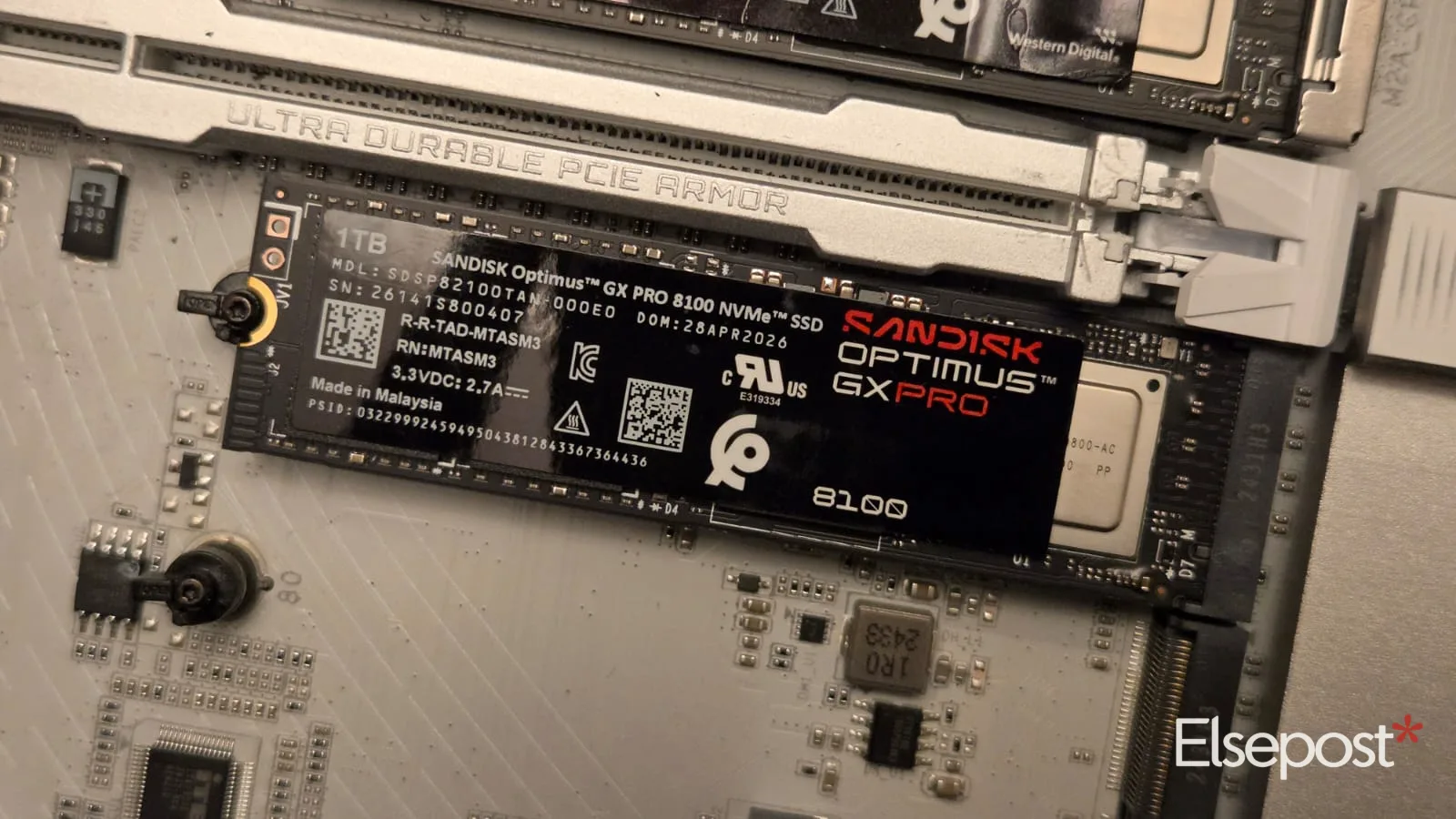
Inside sits a Silicon Motion SM2508 controller with eight channels. It is built on a newer process than first generation PCIe 5.0 controllers, so this drive does not need the small fans that some early Gen5 drives shipped with. SanDisk pairs it with DDR4 cache, 218 layer BiCS8 TLC flash and nCache 4.0 for burst writes.
On paper, the 1TB model is rated for 14,900MB/s reads and 11,000MB/s writes. Random performance is rated at 1.6 million read IOPS and 2.4 million write IOPS. Endurance stands at 600TBW, with a five year warranty and TCG Opal 2.02 encryption. The rated average power draw is about 6.2W, which is modest for a Gen5 drive.
Performance: how fast is it really?
We started with CrystalDiskMark 9.0.3, using five passes on a 1GiB file. At queue depth eight, the drive reached 12,283MB/s reads and 11,923MB/s writes. Reads land at roughly 82 per cent of SanDisk’s claim. Writes edge past the rated figure, probably because nCache absorbs the short burst. In the single queue test, which is closer to everyday file copying, we saw 8,676MB/s reads and 9,655MB/s writes.
Random speed matters more in daily use, because it decides how quickly Windows, apps and games respond. The 4K Q32T1 test returned 1,338MB/s reads and 1,159MB/s writes. The 4K Q1T1 test gave 108.89MB/s reads and 281.37MB/s writes. That low queue read figure is a healthy result for a consumer drive.
Consistency and real world tests
HD Tune Pro 5.60 tells the consistency story. A full read scan across all 1,000GB averaged 1,975.3MB/s, with a minimum of 1,712MB/s and a maximum of 2,067.5MB/s. These numbers sit below CrystalDiskMark because the tool uses smaller transfer blocks by default. What matters is the graph: an almost flat line from the first gigabyte to the last, with no sudden dips. Access time measured 0.027ms, and CPU usage stayed at 8.3 per cent.
Real copying backed this up. We moved 32 large video files between folders, and Windows reported a steady 3.29GB/s. The speed graph stayed almost flat after a brief spike at the start.
We also used the drive as our Steam library. While a large game installed, the client showed network speeds of 177.5Mbps, peaking at 219.4Mbps. Disk activity tracked at 185.6Mbps, and nearly an hour and a half remained. In short, our broadband was the bottleneck, not the SSD.
Heat, software and who should buy it
Our unit has no heatsink of its own, so it relied on the motherboard plate for cooling. We saw no slowdown across repeated test passes. SanDisk says its heatsink version sustains peak speeds up to 5.5 times longer, which matters mainly for long, heavy write sessions. For health checks, firmware updates and cloning, SanDisk Dashboard and Acronis True Image are available.
At ₹34,999, the 1TB Optimus GX Pro 8100 is a premium purchase. Its strengths are consistency, efficiency and strong low queue random reads. Creators and power users with a PCIe 5.0 slot will appreciate it. However, anyone without that slot needs a new board or should skip the drive.
Verdict
This drive is fast enough to make your internet the weak link, but gamers will rarely feel the Gen5 jump in load times. If your board has only one Gen5 slot, we would choose a larger capacity such as 2TB, 4TB or 8TB. Otherwise, it is a steady and efficient drive for people who want the best their board can offer.
FAQ
What is the SanDisk Optimus GX Pro 8100 price in India?
The 1TB model without a heatsink costs ₹34,999. Check SanDisk or a trusted retailer for the current price, as it can change during sales.
Does the SanDisk Optimus GX Pro 8100 need a heatsink?
Not in our tests. The bare drive ran under the motherboard’s cooling plate with no slowdown. SanDisk’s heatsink version is meant for long, heavy write sessions.
Will a Gen5 SSD make games load faster?
Rarely by a margin you will notice. In our Steam test, the download was limited by our broadband speed, not by the drive.