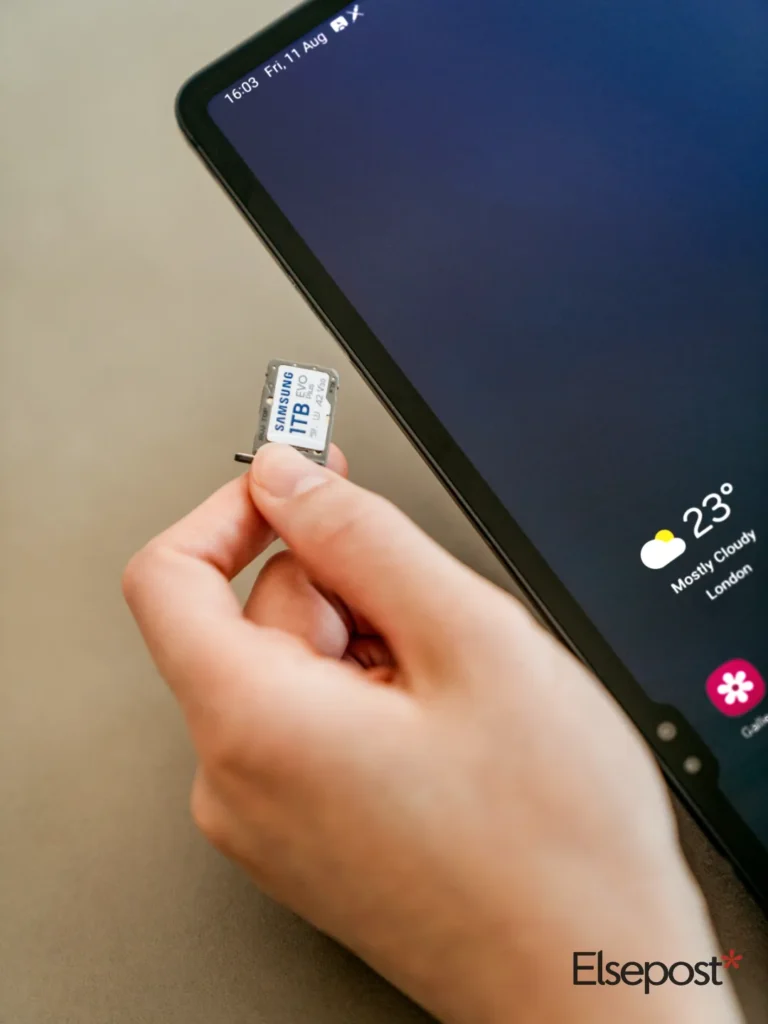
To activate eSIM in India, you request it in your operator’s app, confirm a verification call, then scan a QR code or install the profile on your phone. The steps differ slightly for Airtel and Jio, and a few waiting periods can catch you out. This guide uses the operators’ own pages.
Quick answer
- You need an eSIM-capable phone, your 32-digit EID and access to your current number
- Airtel: request in the Airtel app, then confirm a call within about 10 minutes
- Jio: use “Switch to eSIM” in the MyJio app and keep your email ID updated
- SMS and OTPs are barred for 24 hours after the Airtel request completes
- Never tap “delete” on the eSIM in your phone settings
Before you start: check your phone and find the EID
First, confirm that your phone supports eSIM. Airtel’s eSIM page lists Apple iPhone, Google Pixel, Samsung, Motorola, Vivo, OPPO and OnePlus. Jio’s page also covers Nothing, Xiaomi, Honor, HMD and Nokia, and it has a model checker.
Next, find your EID. Dial *#06# on your phone, or look in Settings. The EID is a 32-digit number that identifies the eSIM chip in your device. Both operators ask for it during the request.
How to activate eSIM in India on Airtel
Open the Airtel app and log in with the number you want to convert. Go to Shortcuts on the Home screen and tap the eSIM upgrade option. Choose this device or another device, then enter your EID.
Then verify the OTP sent to your Airtel number. About 10 minutes later, Airtel calls to confirm the request. After that, download the eSIM profile through your phone settings, switch to the new profile, remove the physical SIM and restart.
Timing matters here. You must configure the eSIM within 4 hours of starting the request, or it cancels automatically. Your physical SIM keeps working meanwhile.
How to switch to a Jio eSIM
On Jio’s eSIM page, the process starts in the MyJio app. Search for “Switch to eSIM”, verify the OTP sent to your registered email and enter your EID. Then verify the OTP sent to your mobile number.
A 2 hour cooling period applies under DoT guidelines. After it, you get an automated call from +91 2235072222 and you press the number it asks for. If you miss the call, send “RECALL” by SMS to 199 for another one.
Finally, you get an eSIM profile notification or a QR code by email. Jio says the upgrade carries no charge. Your email ID must be updated in your Jio account, because the profile details go there.
Airtel and Jio at a glance
| Airtel | Jio | |
|---|---|---|
| Where to start | Airtel app, Shortcuts | MyJio app, Switch to eSIM |
| Verification | OTP, then call in about 10 minutes | OTP, 2 hour cooling period, then IVR call |
| Install window | Within 4 hours of the request | Profile or QR code by email |
| Fee stated on page | None listed | No charge |
BSNL works differently. India TV reports that you need to visit a customer service centre and complete Aadhaar-based KYC.
Mistakes to avoid
The biggest surprise is the SMS pause. Airtel says incoming and outgoing SMS, including OTPs, stay barred for 24 hours after the request completes. So do not switch on the day a bank OTP or a bill payment is due.
Also, do not delete the eSIM from your settings. Airtel warns that you will lose calls and data. For iPhone users, Jio notes that “Error Code: 999” usually means the email ID is not registered with Jio.
FAQ
How do I find my EID number?
Dial *#06# on your phone or check Settings. The EID is 32 digits long. Airtel and Jio both ask for it when you request an eSIM.
Is there a charge to convert a SIM to eSIM?
Jio’s page says there is no charge for the upgrade. Airtel’s page lists no fee for the eSIM itself. Confirm in the app before you proceed.
Why can’t I receive SMS after activating eSIM?
Airtel bars SMS and OTPs for 24 hours after the request completes. This is a safety measure, so plan around it.